
In an era where digital content is king, understanding how IPTV works on a smart TV can significantly enhance your viewing experience. IPTV, or Internet Protocol Television, delivers television content over the internet rather than through traditional terrestrial, satellite, or cable formats. This innovative approach to broadcasting is increasingly popular in the UK, offering viewers greater flexibility and access to a wide range of content.
Smart TVs, equipped with internet connectivity and versatile operating systems, are the perfect devices for leveraging IPTV. By integrating IPTV with your smart TV, you can enjoy a seamless and enriching viewing experience. This guide will delve into the specifics of how IPTV works on a smart TV, covering everything from setup to benefits, and providing tips on how to optimise your viewing experience.
Understanding IPTV: The Basics
IPTV stands for Internet Protocol Television, a system where television services are delivered using the internet protocol suite over a packet-switched network such as a LAN or the internet, instead of being delivered through traditional terrestrial, satellite signal, and cable television formats. In essence, IPTV allows you to stream video content in real time, directly to your smart TV.
Unlike conventional broadcasting methods, where all viewers receive the same content at the same time, IPTV offers a more personalised service. Users can choose what they want to watch and when they want to watch it. This is all made possible by the internet, which transmits the data packets that make up the video content. With IPTV, you can access live TV, on-demand shows and movies, and even record your favourite programmemes for later viewing.
Moreover, IPTV utilises a client-server model where the IPTV service provider broadcasts the content, and the end-user device, such as a smart TV, acts as a client receiving the content. This model supports interactive services like video on demand and live streaming, making it a dynamic alternative to traditional broadcasting. The interaction between the server and the client is facilitated through internet protocols, ensuring a smooth and efficient transfer of data.
Setting Up IPTV on a Smart TV
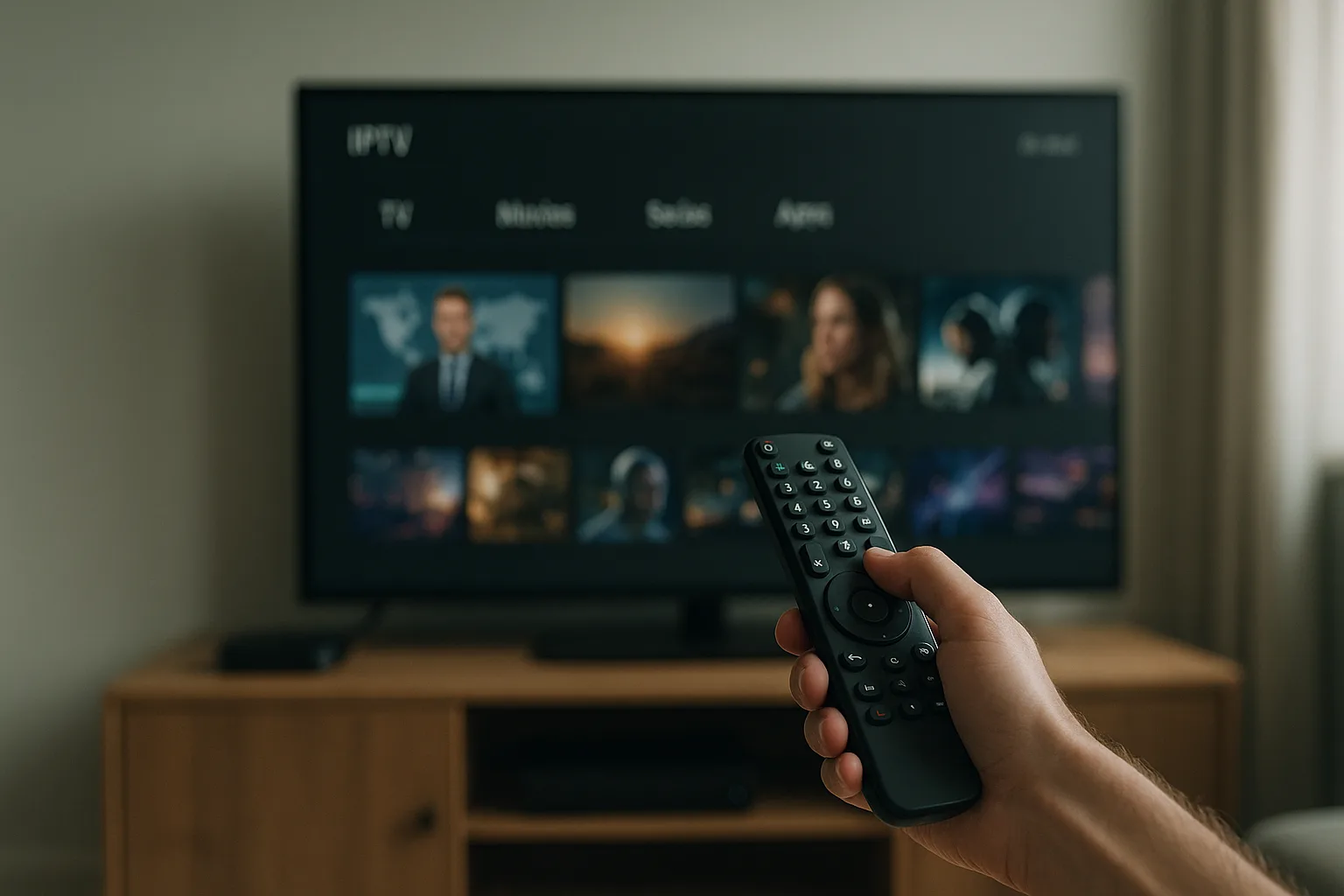
Setting up IPTV on a smart TV is straightforward but requires a few key steps. Firstly, ensure that your smart TV is connected to a stable and high-speed internet connection, as IPTV requires a reliable bandwidth to stream content seamlessly. Once connected, you'll need to download an IPTV app from your smart TV's app store.
After installing the app, you will need to input the IPTV provider's URL or M3U link that you have subscribed to. If you're using a service like Primo, you can sign up for their service and follow the instructions provided to gain access. Some IPTV apps may require additional configuration, such as selecting the EPG (Electronic Programmeme Guide) source, which provides the TV schedule data.
It's also important to check the compatibility of your smart TV with the IPTV service. Most modern smart TVs support popular IPTV apps, but it's always a good idea to verify that your TV model can access the necessary app store. Additionally, configuring network settings on your TV to prioritise IPTV traffic can enhance streaming performance. Regularly updating the IPTV app and firmware of your smart TV can also help in maintaining optimal performance and compatibility with new IPTV features.
Related reading: IPTV United Kingdom: Definitive Guide on Basics & How It Works.
Benefits of Using IPTV on a Smart TV
One of the primary benefits of using IPTV on a smart TV is the vast array of content available at your fingertips. Unlike traditional TV services, IPTV offers access to a global selection of channels and on-demand content, giving viewers an unparalleled level of choice and customisation.
Additionally, IPTV allows for more flexible viewing options. With features such as catch-up TV, video on demand (VOD), and live pause, viewers can watch their favourite shows at their convenience. This flexibility is ideal for busy households where schedules may not align with traditional broadcasting times. Furthermore, the integration of IPTV with smart TVs enhances user experience through intuitive interfaces and easy navigation.
Another significant advantage is the cost-effectiveness of IPTV services. Many IPTV providers offer competitive pricing compared to traditional cable or satellite services, often with no long-term contracts. This affordability, combined with the ability to access content from multiple devices, makes IPTV an attractive option for many households. Moreover, most plans are sized by how long you subscribe and how many screens you watch on, so a household only pays for what it actually uses.
Choosing the Right IPTV Service
When selecting an IPTV service for your smart TV, consider factors such as channel selection, user interface, and customer support. A reputable provider, like Primo, offers a free trial, giving you the opportunity to explore their service before committing to a subscription. This is an excellent way to ensure the service meets your expectations in terms of content quality and availability.
Consider the variety of subscription plans available, such as Primo's ELITE VIP or Essential plans, and choose one that best fits your viewing habits and budget. Remember to verify the legality of the IPTV service within your region to avoid potential legal issues.
Furthermore, it's wise to read user reviews and testimonials to gauge the reliability and performance of the IPTV service. Look for providers that offer comprehensive customer support, as this can be crucial in resolving any technical issues you might encounter. Additionally, explore the compatibility of the service with different devices, as some providers offer apps for smartphones and tablets, allowing you to enjoy IPTV content across multiple platforms.
Optimising Your IPTV Experience on a Smart TV
To get the most out of IPTV on your smart TV, it's essential to ensure your internet connection is robust and reliable. As a guide, allow around 10 Mbps per stream for HD, about 15 Mbps for Full HD and at least 25 Mbps for smooth 4K, particularly if multiple devices are connected to the network simultaneously.
Utilise features such as parental controls and custom playlists to tailor the viewing experience to your household's preferences. Many IPTV apps also offer features like multi-screen or picture-in-picture, allowing you to watch more than one programmeme at a time – perfect for sports enthusiasts or busy families.
Regularly update your IPTV app to benefit from the latest improvements and features, and consider investing in a good quality router if you experience frequent buffering or connectivity issues.
Additionally, optimising your smart TV's settings, such as adjusting the display settings for better picture quality and configuring the audio settings for enhanced sound, can further improve your IPTV viewing experience. If your smart TV supports it, enabling features like HDR or Dolby Vision can also enhance the visual quality of the content. Lastly, organising your IPTV app's interface to easily access your favourite channels and content can make navigation more convenient and enjoyable.
Troubleshooting Common IPTV Issues
While IPTV is generally reliable, occasional issues may arise. Common problems include buffering, poor video quality, or an inability to connect. To troubleshoot these issues, first check your internet connection. Ensure that your smart TV is within the router's optimal range and that no other devices are hogging bandwidth.
If buffering persists, try lowering the streaming quality in your IPTV app settings to reduce the strain on your network. Restarting your router and smart TV can also resolve connectivity issues. If problems continue, contact your IPTV provider's support team for assistance.
It's also beneficial to clear the cache of your IPTV app regularly, as this can help improve performance and resolve minor glitches. Ensure that your smart TV's firmware is up-to-date, as manufacturers often release updates that address compatibility and performance issues. Lastly, if you are using a VPN, try disconnecting it temporarily to see if it resolves the issue, as some VPNs can affect streaming performance.
Frequently asked questions
What is the difference between IPTV and traditional TV?
IPTV delivers content over the internet, allowing for on-demand and live streaming services, unlike traditional TV, which broadcasts via satellite, cable, or terrestrial signals. IPTV offers a more personalised and flexible viewing experience.
Can I use any smart TV for IPTV?
Most modern smart TVs support IPTV, but it's essential to ensure your TV model has access to an app store where you can download IPTV apps. Check your TV's specifications and app availability to confirm compatibility.
Is IPTV legal in the UK?
IPTV itself is legal in the UK, but using unlicensed or pirated services is not. Always choose a reputable provider like Primo, which offers legitimate content. Verify the legality of the service you subscribe to within your region.
Do I need a VPN for IPTV?
While not strictly necessary, a VPN can enhance privacy and security when using IPTV. It can also help bypass regional restrictions, but ensure this is in line with the terms of service of your IPTV provider.
How often should I update my IPTV app?
Regular updates are crucial for maintaining app functionality and security. Check for updates at least once a month or enable automatic updates if available. This ensures access to the latest features and improvements.
Understanding how IPTV works on a smart TV can transform your home entertainment experience, offering unparalleled flexibility and content access. By choosing the right service and optimising your setup, you can enjoy a seamless and satisfying viewing experience. For more insights and updates on IPTV technology, visit our blog or explore the options available on our homepage.
Ready to get started? Compare our UK IPTV plans and pricing and try Primo with a free trial.
Reviewed by the Primo UK editorial team.
