
As more people turn to IPTV services for watching live sports, the issue of freezing or buffering during crucial moments of a game has become a common frustration. Fans are left in suspense just as their favourite team is about to score, leading to a poor viewing experience. But why does IPTV freeze during live sports, and what can be done to prevent it? This guide seeks to address these questions by debunking common myths and providing practical solutions.
IPTV, or Internet Protocol Television, offers a flexible and often more affordable alternative to traditional cable services. However, its reliance on internet connectivity can sometimes lead to performance issues, especially during high-demand events like live sports. Understanding the myths surrounding IPTV freezes can help you optimise your streaming experience and enjoy uninterrupted sports action.
Myth 1: Only Poor Internet Connection Causes Freezing
While a slow internet connection is a well-known culprit for IPTV freezing, it is not the only factor. Many users assume that upgrading their internet speed will solve all buffering issues. However, even with a high-speed connection, other factors can contribute to interruptions.
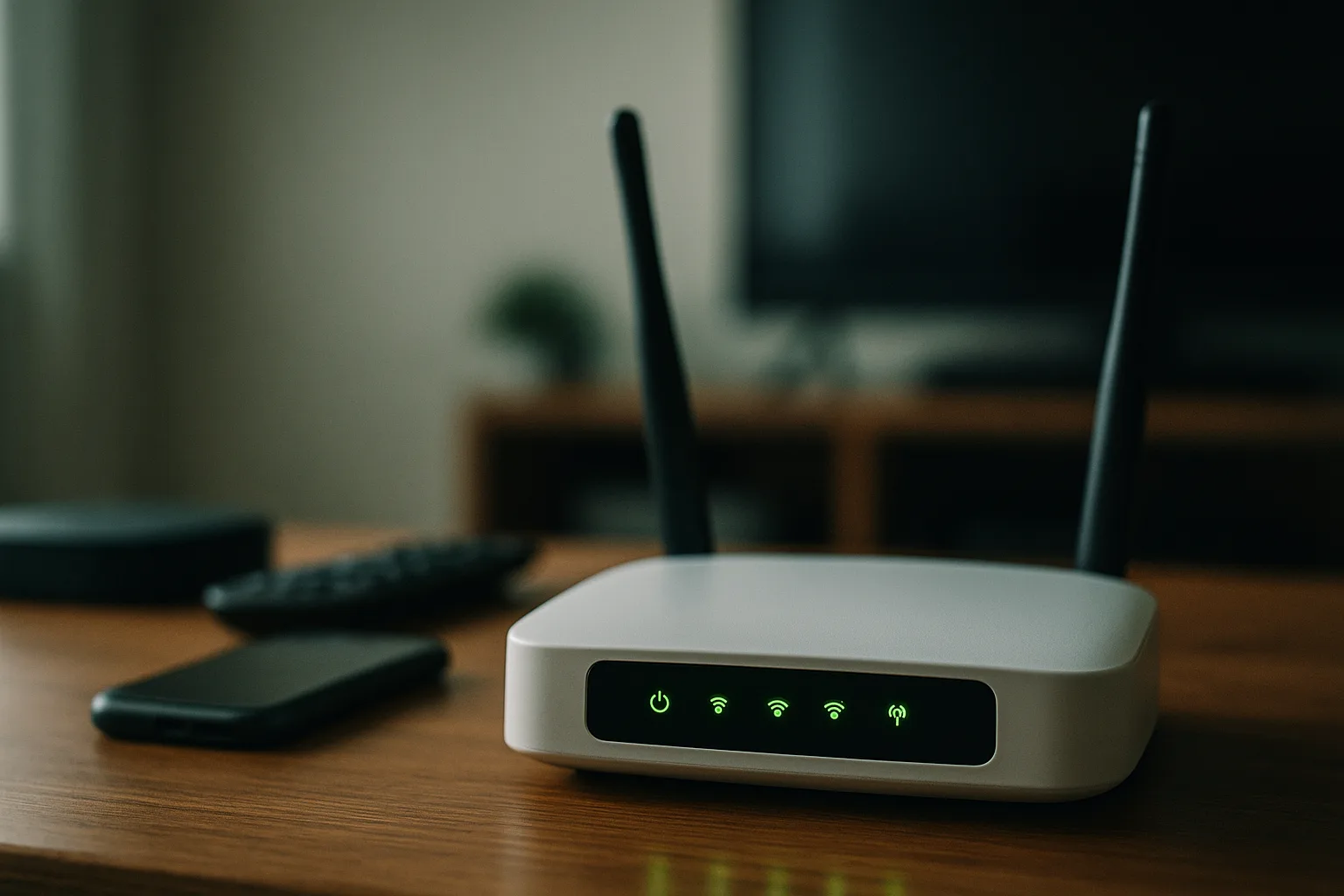
Network congestion, particularly during peak usage times, can cause slowdowns regardless of your internet speed. Additionally, multiple devices using the same network can reduce bandwidth available for streaming, leading to buffering. Ensuring your router is up to date and positioned to optimise signal strength can help alleviate some of these issues. Moreover, using a wired connection instead of Wi-Fi can provide a more stable streaming experience.
It's also important to consider the quality of your internet service provider (ISP). Some ISPs may throttle bandwidth during peak times, which can further exacerbate buffering problems. Checking with your ISP to ensure you're on a plan that supports high-demand activities like streaming live sports is a proactive step. Additionally, performing regular speed tests can help you monitor your connection's performance and identify any underlying issues that need addressing.
Myth 2: All IPTV Services Are the Same
Another common misconception is that all IPTV services offer the same quality and reliability. This is far from the truth. The quality of service can vary significantly between providers, affecting streaming performance. Some services may have better infrastructure and support, offering a more reliable connection and fewer instances of freezing.
Before committing to a service, it's essential to research and select one with a proven track record. Looking for reviews and seeking recommendations can help in choosing a provider that offers consistent quality. Primo, for instance, is a popular UK IPTV service that provides a free trial, allowing potential subscribers to test the service before making a decision.
Moreover, consider the customer support and technical assistance offered by the IPTV provider. Reliable customer support can be invaluable in resolving any streaming issues quickly. Some providers also offer features like adaptive streaming, which automatically adjusts video quality based on your current internet speed, thus minimising buffering without requiring user intervention.
Myth 3: Buffering Occurs Only at the User's End
It's a common belief that buffering issues stem solely from the user's end. In reality, the problem might also be on the provider’s side. The server infrastructure of your IPTV provider plays a crucial role in delivering content smoothly, especially during high-demand live sports events.
If the provider’s servers are under heavy load, it could result in buffering, even if your internet connection is adequate. It's important to choose an IPTV provider with robust servers capable of handling large volumes of traffic without compromising performance. Regular communication with your provider and staying informed about any ongoing issues or maintenance can also be beneficial.
Furthermore, the geographical location of the provider's servers can influence streaming quality. Providers with servers located closer to your region can typically offer faster and more reliable connections. As such, selecting a provider with a strategically placed server network can greatly enhance your viewing experience, especially during live sports events that attract large audiences.
Myth 4: VPNs Always Improve Streaming Quality
Many users turn to VPNs (Virtual Private Networks) to improve their streaming experience, expecting them to solve all buffering woes. However, while VPNs can help bypass regional restrictions and enhance privacy, they may also slow down your connection, especially if the VPN server is far from your location.
Using a VPN may improve performance for some, particularly if the ISP is throttling streaming services, but it is not a guaranteed solution. Testing different VPN servers and configurations can help determine if it enhances your IPTV experience. Ensuring the VPN provider has adequate bandwidth and server locations close to you is key to maximising any potential benefits.
It's also worth noting that not all VPN services are created equal. Some VPNs are specifically optimised for streaming, offering faster speeds and more reliable connections. When selecting a VPN, look for one that offers specific streaming support, robust security features, and a no-log policy to ensure both performance and privacy. Additionally, check if your VPN provider offers customer support to assist with any configuration issues you might encounter.
Myth 5: Device Capability Does Not Affect Streaming
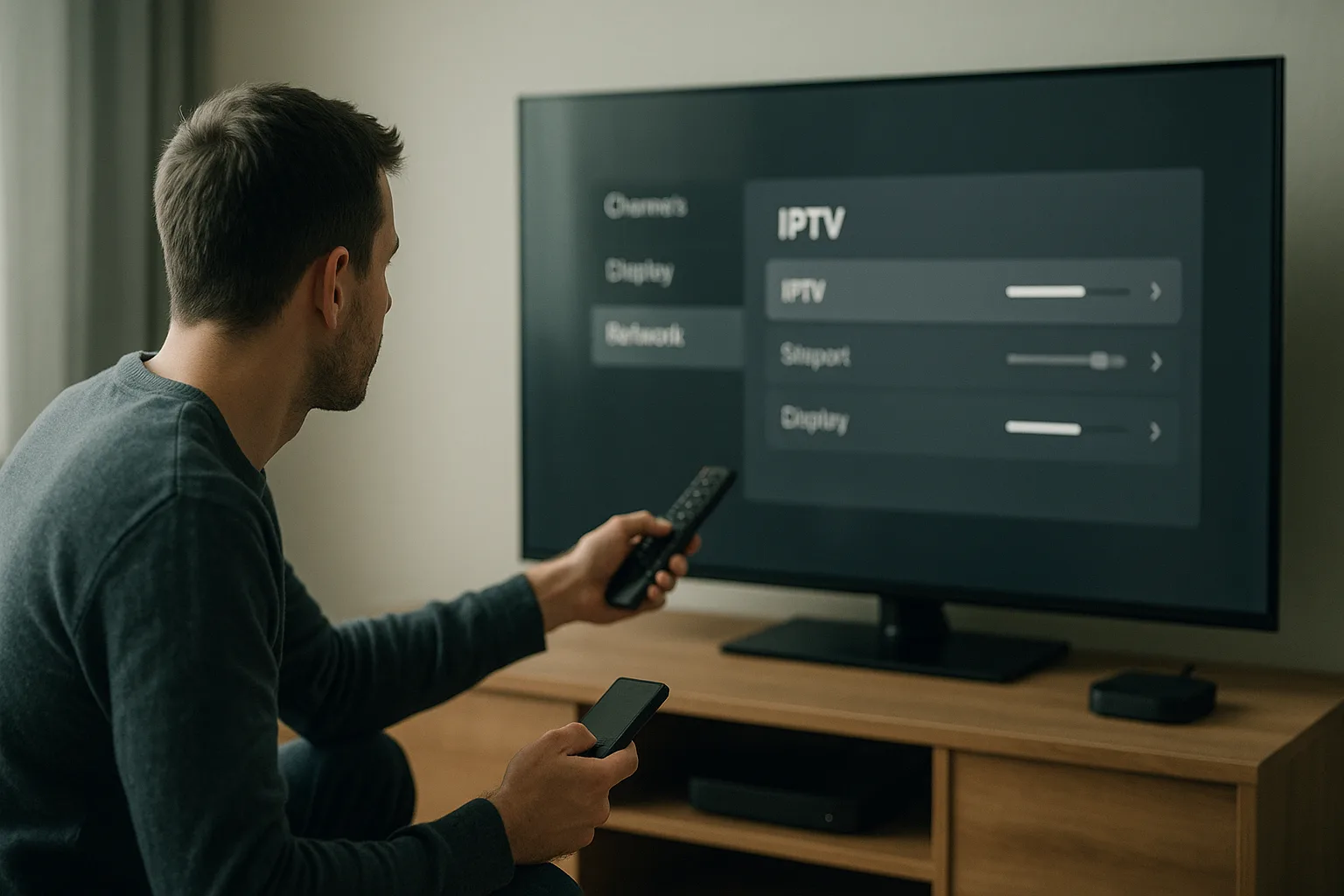
Another overlooked aspect is the capability of the device you use for streaming. Older devices or those with limited processing power and outdated software can struggle to handle high-quality streams, leading to buffering.
Ensuring your device meets the necessary specifications for streaming and updating its software can make a significant difference. Smart TVs, streaming boxes, and mobile devices all require adequate processing power and memory to handle live sports streams smoothly. Regularly updating apps and clearing cache can also help maintain optimal performance.
In addition to hardware, software optimisations can impact streaming performance. Devices with too many background processes or insufficient storage can experience sluggish performance. Regularly managing these aspects, such as closing unnecessary applications and maintaining sufficient storage space, can prevent potential issues. Additionally, using dedicated streaming devices, designed specifically for optimal performance, can enhance your IPTV experience.
Myth 6: Lowering Video Quality Is the Only Solution
When faced with buffering, many users resort to lowering the video quality as a quick fix. While this might reduce the strain on your connection, it is not the only solution and often leads to a less enjoyable viewing experience.
Instead, consider other options like optimising your network setup, closing unnecessary applications, or ensuring your device is not overloaded. By addressing the root cause of buffering, you can enjoy high-definition streams without interruptions. Exploring these alternatives can help you maintain quality without sacrificing the viewing experience.
Moreover, incorporating advanced technologies like adaptive bitrate streaming can allow for dynamic adjustments in video quality based on real-time network conditions, ensuring smooth playback. Engaging with your IPTV provider about available features and settings that can optimise streaming based on your specific network conditions is also a proactive approach to maintaining viewing quality.
Frequently asked questions
How can I improve IPTV performance during live sports?
To enhance performance, ensure your internet connection is stable and fast enough for streaming. Position your router to maximise signal strength and consider using a wired connection. Also, choose a reliable IPTV provider with robust servers and quality service.
Does using a VPN help reduce buffering on IPTV?
While a VPN can sometimes improve performance by bypassing ISP throttling, it can also slow down your connection. Test different servers and configurations to see if it benefits your setup. Choose a VPN with nearby server locations and sufficient bandwidth.
Are there specific router settings for better IPTV streaming?
Yes, optimising your router settings can improve IPTV streaming. Ensure it supports the latest standards, position it centrally, update its firmware, and prioritise IPTV traffic using Quality of Service (QoS) settings. This can help reduce buffering during live sports.
Why does IPTV freeze more during popular sports events?
IPTV freezing during popular events often stems from high demand on the provider's servers and network congestion. Selecting a provider with robust infrastructure and ensuring your home network can handle peak traffic are crucial in reducing these issues.
Is upgrading my internet speed the best way to fix buffering?
Upgrading your speed can help, but it’s not a cure-all. Consider network optimisation, device capability, and provider reliability. Addressing these aspects can significantly reduce buffering without solely relying on faster internet.
Understanding the myths about IPTV freezing during live sports can help you make informed decisions to enhance your streaming experience. By addressing the real causes of buffering, you can enjoy uninterrupted sports excitement. For more tips on optimising your IPTV setup, visit our blog or explore our pricing options for reliable service.
Reviewed by the Primo UK editorial team.
