
Understanding IPTV and Its Popularity in the UK
The rise of Internet Protocol Television (IPTV) has transformed how we consume media. Instead of relying on traditional broadcast methods, IPTV delivers content through the internet, allowing viewers to stream live television and on-demand content. This flexibility has made IPTV a popular choice in the UK, catering to diverse viewing preferences and schedules.
One of the key reasons for IPTV's growing popularity is its ability to offer a more personalised viewing experience. Unlike traditional television services, IPTV allows users to choose from a wide array of channels and on-demand content, often with the ability to pause, rewind, or fast-forward as desired. This level of control over what and when to watch appeals to the modern viewer who values convenience and choice. Additionally, IPTV services often provide access to international channels, offering a broader range of content that might not be available through local cable providers.
As a leading IPTV provider in the UK, Primo offers a premium subscription service that blends convenience with a vast range of channels. With the option for a free trial, users can explore the service before committing. This popularity, however, raises questions about the best practices for safe and secure streaming, particularly concerning the use of Virtual Private Networks (VPNs). The integration of advanced features such as catch-up TV and cloud DVR further enhances the appeal of IPTV, making it an attractive alternative for tech-savvy consumers looking for flexibility and variety in their viewing habits.
The Role of VPNs in Online Privacy
VPNs play a crucial role in enhancing online privacy and security. They work by encrypting your internet connection, making your online activities more private and secure. This encryption prevents third parties, such as hackers or ISPs, from monitoring your browsing habits or accessing sensitive information.
Beyond basic privacy protection, VPNs are indispensable for users concerned about data security, especially when using public Wi-Fi networks, which are notoriously vulnerable to cyber-attacks. A VPN can mask your IP address, making it appear as though you are accessing the internet from a different location. This feature not only helps in maintaining anonymity but also allows users to bypass geo-restrictions, accessing content that may be blocked in their current location. For IPTV users, this means potentially unlocking a wider range of international content, further enhancing the viewing experience.
Using a VPN can be particularly beneficial when accessing IPTV services. It provides an additional layer of security, safeguarding your personal data from potential cyber threats. Moreover, it can disguise your actual location, which may be advantageous for bypassing geographical restrictions on content. However, it's essential to understand when and why a VPN might be necessary for IPTV usage in the UK. The decision to use a VPN should be informed by a balance between the need for privacy and the potential impact on internet speed and streaming quality.
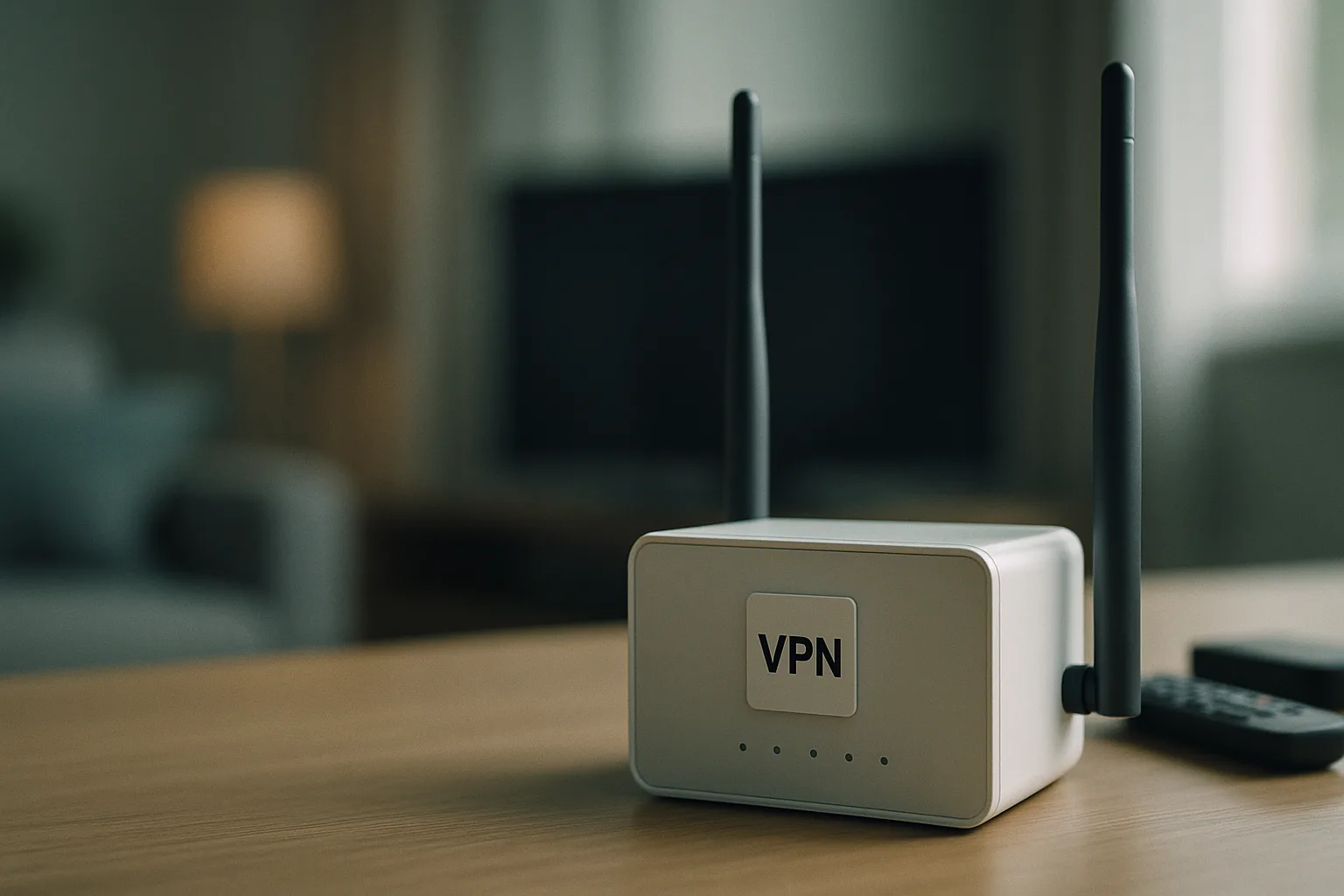
Assessing the Necessity of a VPN for IPTV in the UK
Whether you need a VPN for IPTV in the UK depends on several factors. Primarily, it hinges on your concerns about privacy and accessing restricted content. If privacy is a significant concern, or if you wish to access content not available in your region, a VPN could be a valuable tool.
For many users, the primary motivation for using a VPN with IPTV is to access content that may be geographically restricted. This is particularly relevant for those interested in international programming or who travel frequently and want to access their usual content from abroad. A VPN can effectively bypass these restrictions, providing access to a broader range of channels and programmemes. However, users should be mindful of the terms and conditions of their IPTV provider, as some services may have policies against VPN usage.
However, it's crucial to note that using a VPN can sometimes affect streaming quality. It may introduce latency or reduce bandwidth, potentially impacting the viewing experience. Therefore, it's important to weigh the privacy benefits against the potential downsides to streaming performance. Users should consider their specific needs and test different VPN providers to find a service that offers the best balance of speed and security. By doing so, they can ensure a seamless viewing experience while maintaining the desired level of privacy and access.
Steps to Set Up a VPN for IPTV Streaming
If you decide that a VPN is necessary for your IPTV usage, following a structured setup process is vital. Here’s a step-by-step guide to help you through:
- Choose a reputable VPN provider: Select a VPN known for fast speeds and reliable service. Consider providers offering UK servers to maintain optimal streaming quality. Look for additional features such as a no-logs policy and strong encryption standards to ensure your privacy is protected.
- Install the VPN application: Download and install the VPN app on your device. Most providers offer apps for a variety of platforms, including Windows, macOS, Android, and iOS. Make sure the app is up-to-date to benefit from the latest security patches and features.
- Connect to a server: Open the VPN app and connect to a server. For the best streaming experience, choose a server located in the UK. This will help minimise latency and ensure you maintain access to UK-specific content while masking your real IP address.
- Configure your IPTV device: A VPN only protects the device running it, so install the VPN app on your streaming device itself. Putting the TV on the same Wi-Fi as a laptop running a VPN does nothing for the TV. This may involve configuring network settings on your router if the device does not support VPN apps natively. Some routers allow you to install VPN software directly, providing network-wide protection for all connected devices.
- Test the connection: Before streaming, test your internet connection to ensure the VPN is working correctly and not significantly affecting speed. Use speed test tools to compare performance with and without the VPN, and adjust settings or switch servers if necessary for optimal results.
Following these steps ensures that your VPN is set up correctly, providing the privacy and security benefits you seek. Regularly updating your VPN software and monitoring connection speeds can help maintain the best possible streaming experience. Additionally, consider using VPN providers that offer customer support to assist with any technical issues that may arise during setup or usage.

Legal Considerations for Using VPNs with IPTV
Understanding the legal implications of using a VPN with IPTV is crucial. In the UK, using a VPN is legal, but it must not be used to engage in illegal activities, such as circumventing copyright laws or accessing pirated content.
Reputable IPTV services source their content through licensed partners and authorised aggregation platforms. Ensure that your use of a VPN complies with both your VPN provider's terms of service and the legal requirements surrounding IPTV content access. This compliance ensures that you enjoy streaming without inadvertently engaging in illegal activity. Users should be aware that while VPNs provide anonymity, they do not excuse or legalise the viewing of pirated content, and doing so could result in legal consequences.
It's also important to consider the terms of service of your IPTV provider. Some services explicitly prohibit the use of VPNs, and violating these terms could result in account suspension or termination. Always review the user agreements of both your VPN and IPTV services to ensure compliance and avoid potential issues. By staying informed about the legal landscape and adhering to relevant regulations, you can enjoy the benefits of VPNs and IPTV without legal risks.
Balancing Security and Streaming Quality
One of the main challenges of using a VPN with IPTV is balancing enhanced security with maintaining streaming quality. VPNs can occasionally slow down your internet connection, affecting the quality of your streams, particularly for high-definition content.
To mitigate this, opt for a VPN service known for high-speed servers. Testing different servers can also help identify the best ones for streaming. Additionally, consider the time of day you stream, as peak times can impact both VPN and ISP performance. By choosing servers that are geographically closer to your location, you can reduce latency and improve speed, ensuring smoother streaming experiences.
Ultimately, the right VPN should improve your security without compromising your viewing experience. Regular testing and configuration adjustments can help achieve this balance. Consider using split tunnelling, a feature offered by some VPNs, which allows you to route only certain traffic through the VPN while keeping other traffic direct. This can help maintain faster speeds for streaming while still securing more sensitive online activities. By taking a proactive approach to managing both security and performance, IPTV users can enjoy the best of both worlds.
Frequently Asked Questions
Do VPNs make IPTV streaming legal?
No, VPNs do not change the legality of the content you access. While they can provide privacy, it's essential to use IPTV services that offer legally licensed content. Always ensure compliance with copyright laws.
Will a VPN slow down my IPTV streaming?
Potentially, yes. VPNs can reduce internet speed due to encryption overhead. However, choosing a VPN with high-speed servers and testing different server locations can minimise this impact. Regularly checking your connection speed and experimenting with different settings can help maintain optimal performance.
Can I use a free VPN for IPTV?
While free VPNs exist, they often come with limitations such as bandwidth caps, slower speeds, and fewer server options. These limitations can negatively affect your IPTV experience. A paid VPN is generally recommended for better performance. Free VPNs may also lack robust security features, potentially putting your data at risk.
Is it safe to use a VPN with IPTV?
Yes, using a VPN can enhance your safety by encrypting your internet connection, protecting your privacy, and providing security against potential cyber threats. Ensure your VPN provider is reputable and trustworthy. Look for providers with a strong track record in privacy protection and positive user reviews.
How do I choose the best VPN for IPTV?
Consider factors such as server locations, speed, reliability, and security features. Look for VPNs with a strong reputation and positive user reviews. Test different options to find the best fit for your needs. Evaluate additional features like customer support and ease of use to ensure a seamless setup and usage experience.
Conclusion
While the decision to use a VPN for IPTV in the UK depends on individual privacy concerns and streaming needs, understanding the benefits and potential drawbacks is crucial. VPNs can provide enhanced security and privacy, but they may also affect streaming quality. By carefully selecting a VPN service and configuring it correctly, you can enjoy a secure and seamless IPTV experience. For more insights and updates, visit our blog or explore our pricing options.
Reviewed by the Primo UK editorial team.
